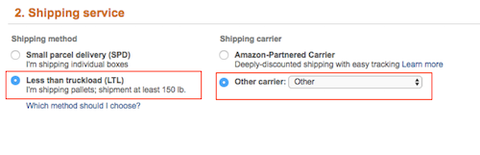
1. Select LTL and Other Carrier: Other.
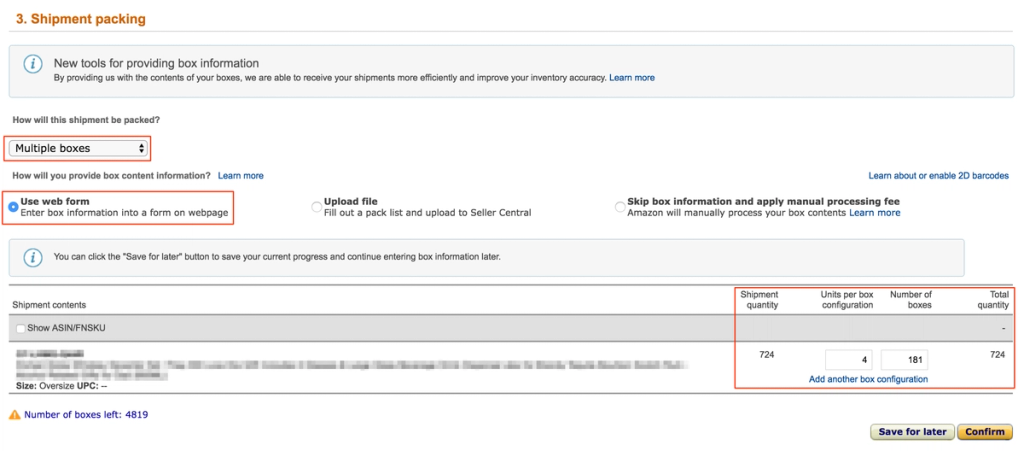
2. Complete Section 3. Shipment Packing:
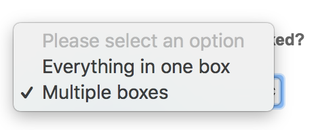
- Select “Multiple boxes” from the dropdown menu.
- Select “Use web form" and complete the form.
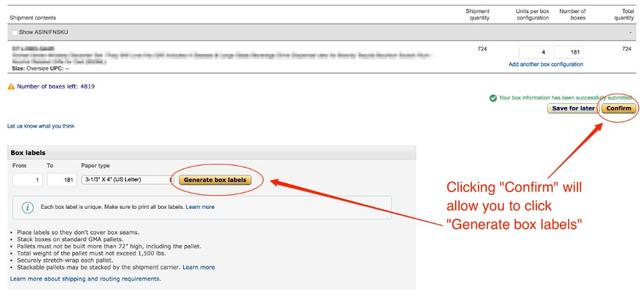
- Click Confirm.
3. Download the box labels and send them to your supplier so they can label them at origin. Sending labels to your supplier will help ensure an efficient shipment.
4. STOP HERE. We will complete the shipment page after the shipment arrives at the warehouse.
Back to: Selecting Your Final Delivery Method (US/Canada)
Next: Sending a Quote Request to Flexport (US/Canada and EU)