When you're first getting started in the Flexport app, we'll ask you to complete some information about your business. One of these setup steps, Verify Entity, asks that you upload a copy of your IRS notice:
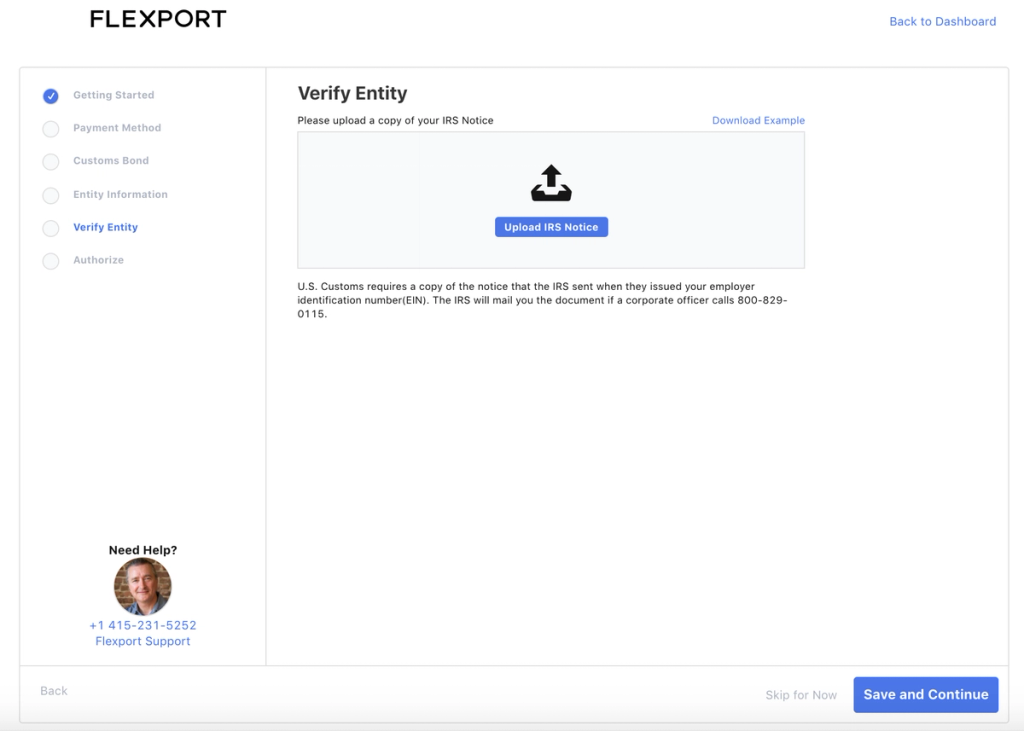
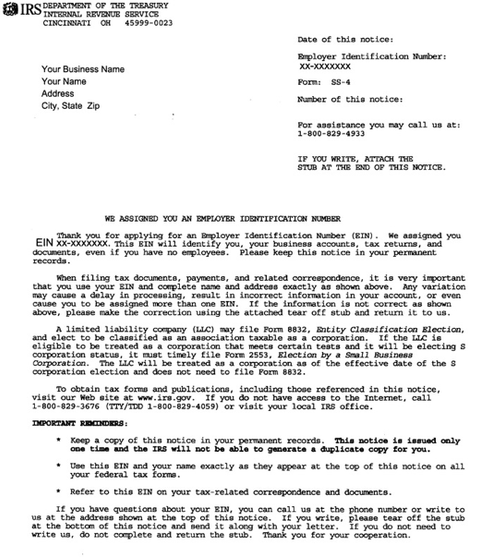
This is an official IRS letter with your Taxpayer Identification Number or Employer Identification Number (EIN). Here's an example of what an IRS notice looks like:
If you don't have a copy of your IRS notice, follow the instructions here.
If you have any further questions about this document, please contact your Flexport account manager.